Service models
IT Management as a Service (IT MaaS)
Oversight and governance of the business technology environment and its assets.
Explore the scope
Connected IT services
Administration and maintenance for business IT environments.

What the scope can include
6 areas of support, shaped around your environment and agreed requirements.
We agree the requirements, responsibilities and service arrangements for your engagement.
A practical perspective
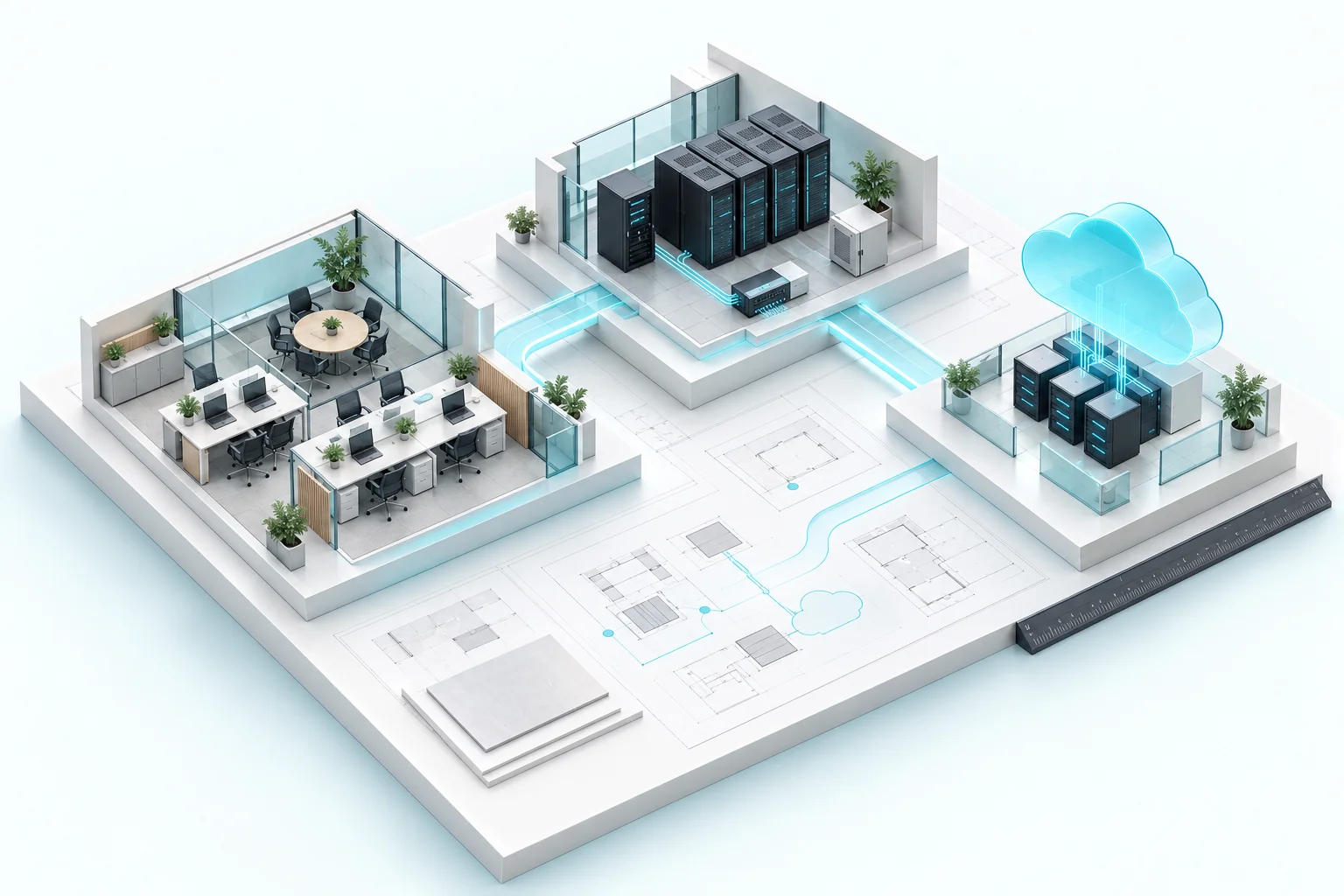
Everyday IT operations connect people to the systems they depend on. Intellect Systems administers and maintains business networks, servers and backup operations, with proactive observation to identify and address developing problems.
The scope can include network administration, server maintenance, data backup and issue remediation. Working alongside an internal IT team, Intellect helps accommodate changing operational needs and new technology without making your team manage every specialist task alone.
Use IT Ops for the running of your environment, and IT Management for the broader oversight of assets, licenses, policy and upgrades. The two models can work together, with responsibilities and coverage agreed around your organization.
Platforms & technologies
Technology selection depends on your requirements and agreed scope.

Start with a useful conversation
Useful starting points for defining the right scope:
Let’s connect the pieces
Tell us about your current environment, locations and timing. We’ll help define the scope and next steps.